
How to Do a Weekly Review: A Simple Checklist
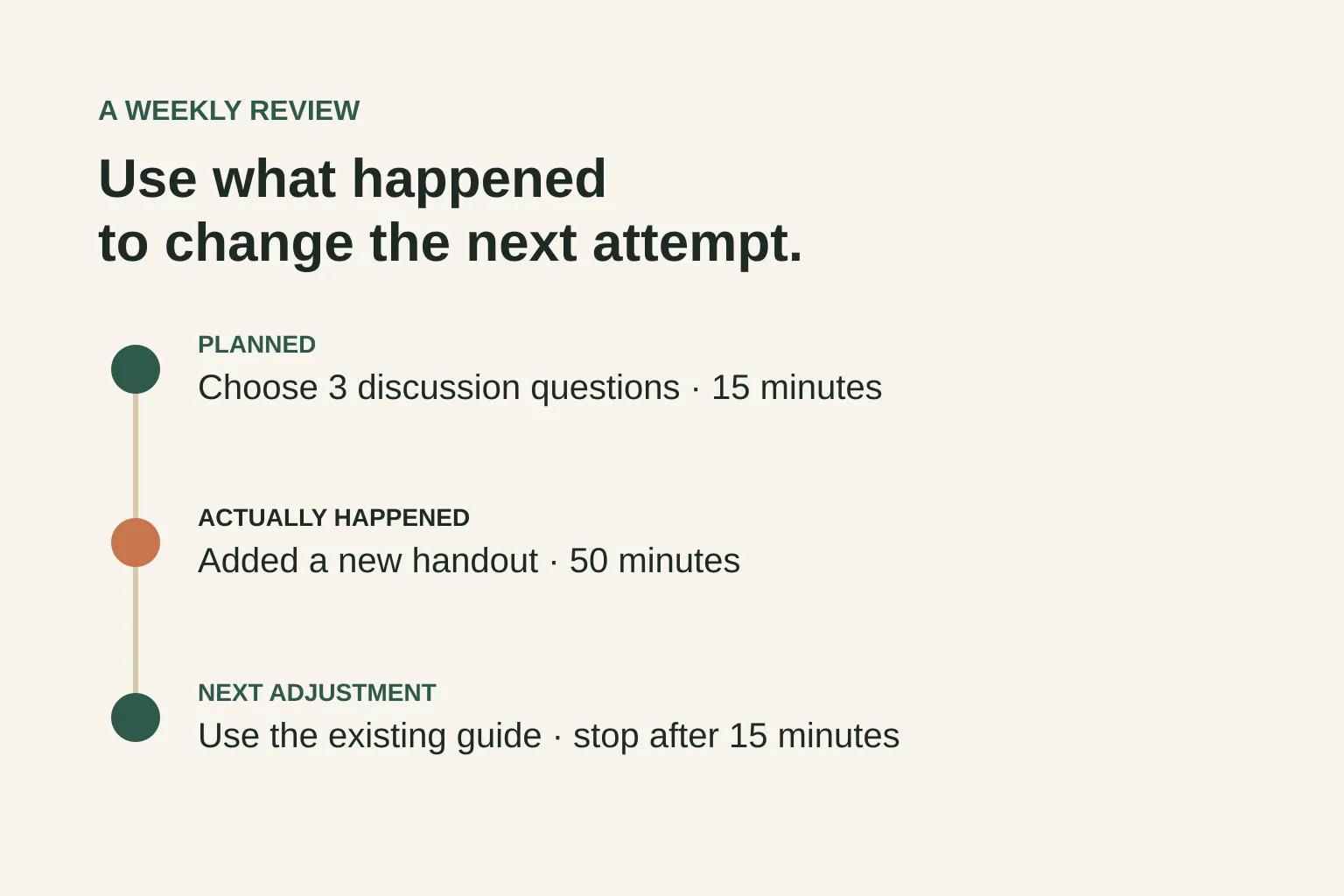
To do a weekly review, compare what you planned with what actually happened, notice the effect on your personal life, work and service, and choose one adjustment for next week. Use your calendar and a few notes rather than relying only on memory. Finish with a specific next action—or a decision to pause something—and keep the review so you can compare it with the next one.
What is a weekly review?
A weekly review is a regular check-in that turns the past week's experience into a decision about what to keep or change. A task list tells you what is unfinished; a review also asks whether the work still matters, what it cost and what helped.
There are different ways to do one. Todoist's weekly review guide describes a broad Getting Things Done checklist covering incoming materials, calendars, action lists and projects. The shorter checklist below focuses on one week's experience across personal life, work and ministry; it doesn't replace a full review of all your projects.
How to do a weekly review in six prompts
Open the calendar you used this week and any previous plan. Choose a repeatable time when your week is mostly complete: after your last shift, for example, or after the weekend's commitments. Try a ten-minute window to start; that's a suggested limit for this short reflection, not a claim about how long every review should take.
- What happened? Name the action you intended to take and the result. “Chose three discussion questions” is more useful than “made some progress.” Include responsibilities you handled that weren't in your original plan.
- What changed? Record the reason the week differed from your expectations. Perhaps you were waiting for information, a commitment ran late or the task grew as you worked. If nothing changed, say so.
- How did the week affect Myself? Notice rest, relationships and personal wellbeing. Write one concrete observation, such as “I kept my evening free” or “preparation used the time I'd set aside to read.”
- How did the week affect My Career? Look at work, learning and responsibilities. Was there a useful result, an unresolved decision or something you need from someone else?
- How did the week affect My Ministry? Consider service, community, passions or creative pursuits. “No current commitment” or “no change” is a complete answer when it fits. If prayer or reflection is part of your practice, leave room for it without feeling obliged to record private beliefs.
- What will I do differently next week? Choose one action to keep, change or pause. Name when you'll act, the time or support it needs, and what counts as finished. Check the upcoming calendar before committing to it.
You don't need a new goal in every life area. The three areas help you see the effects of a choice, including effects that a completed-task count would miss.
A completed task can still need an adjustment
Say Amara has agreed to lead a Saturday community reading group. The plan is to choose three discussion questions from the existing guide on Friday evening, allowing 15 minutes. Amara also wants to keep the rest of that evening for personal reading.
The questions get chosen, but Amara starts creating a new handout too. Preparation takes 50 minutes. The group goes well, yet the evening no longer has the space Amara intended to protect.
At the review, Amara writes:
| Review prompt | Amara's note |
|---|---|
| What happened? | I chose three questions and made a handout. Preparation took 50 minutes instead of 15. |
| What changed? | I added a deliverable that wasn't in the original task. |
| Myself | I used the time I'd set aside to read. |
| My Career | No change this week. |
| My Ministry | The group had usable questions; I don't know whether the extra handout helped enough to repeat it. |
| Next adjustment | Next Friday at 6 pm, choose three questions from the existing guide. Stop after 15 minutes and don't create a handout. |
Amara changes the scope before assuming the task needs more time. If the group later needs different materials, that can be a separate decision with its own allowance.
At the following review, suppose preparation stayed within 15 minutes and the discussion still had enough material. Amara records that result and keeps the smaller approach. If preparation took longer again, the next question would be what remained difficult—not simply whether Amara tried hard enough.
Decide what an unfinished task needs before carrying it forward
Before copying an unfinished task into next week's list, name the obstacle. The same unfinished task can need very different responses.
| What you notice | What to change |
|---|---|
| You couldn't tell where to start | Replace the broad task with its first visible step: open the draft and write the three headings. |
| You needed someone else's input | Make requesting or following up on that input the next action. Note when you need an answer. |
| The time was used by an unexpected responsibility | Check whether a real slot exists next week. Reduce or postpone the task if it doesn't. |
| You kept adding extras | Define the finish line and leave optional additions for a later decision. |
| The task no longer serves your priority | Drop it, or clarify any obligation with the person affected before changing it. |
If you missed the review itself, review the week you can still describe from your calendar. You don't have to reconstruct every missed week before starting again.
Keep notes you can use at the next review
Give each review a week label and keep it beside the plan it refers to. At the next check-in, read the previous adjustment first: did you try it, and what happened? A short record of the decision and its result is easier to compare than a long diary with no next step.
Copy these lines into a notebook or document:
- Week of:
- Planned action → actual result:
- What changed:
- Myself:
- My Career:
- My Ministry:
- Next action, time and finish line:
- At the next review, check whether:
Leave out details you wouldn't want in that notebook or document. You can describe an obstacle as “waiting for a reply” without recording someone else's private circumstances.
If you need to rebuild the week around your adjustment, use the weekly planning steps. The review supplies the change; the plan gives it a realistic place among your commitments.
Put the checklist into practice
To answer these six prompts now, open 365 My Life's free weekly review, add a week label and write a sentence or two for each reflection. Choose “Review my week” to see an editable review, then print or download the text before leaving: this no-account review clears when you leave or refresh and does not transfer into an account.
If you'd rather return to a plan and compare reviews over time, see the free saved-plan and dated-review tour. An optional free private account keeps one editable saved plan and dated reviews; the tour shows the journey and links to account creation or sign-in, with no subscription or payment details required.