
A small plan, from first step to next week
A plan you can
return to.
A busy week does not need a bigger to-do list. See how one lunch-break goal becomes a saved plan you can revisit and adjust.
Free: one editable saved plan, dated reviews and downloads. No subscription or payment details required. Planning uses authored prompts you can edit, not AI agents.
The goal: Make room for a lunch break during a busy week. Myself · 30 minutes this week
01
A free account gives your plan a home.
Start with an email address and password. Keep the recovery key somewhere safe so you can regain access. You do not need to share your beliefs or connect another app.
Create a free account →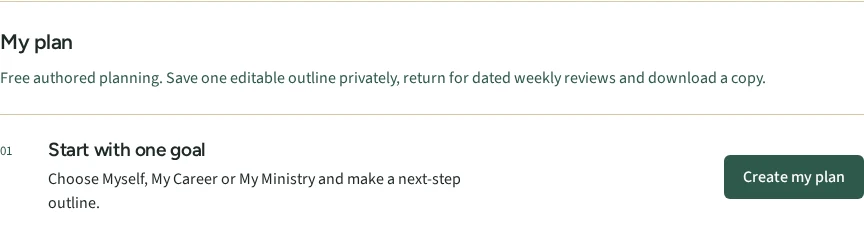
02
Keep one step that fits your week.
For this goal, 30 minutes covers a calendar check and two short walks. Edit the outline to fit your life, then save it. When you sign in again, your saved plan is there; unsaved edits stay on the page.
Try this goal without an account →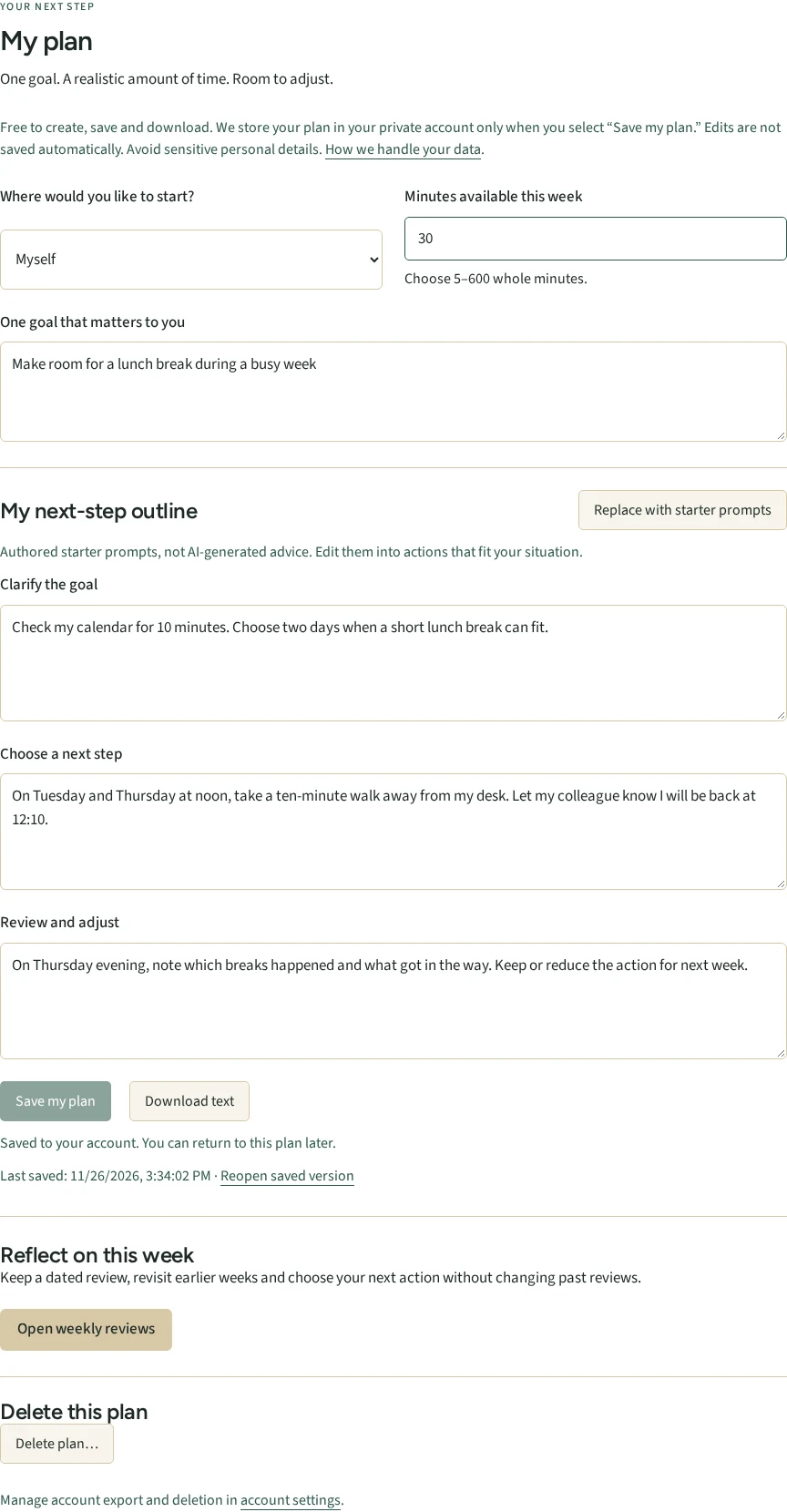
03
Review what happened. Make the next step smaller.
The Thursday review records one completed break and an unexpected deadline. The next step becomes one ten-minute walk on Tuesday. Earlier reviews keep their original plan and reflections, even when you adjust today’s plan.
Make this plan your own →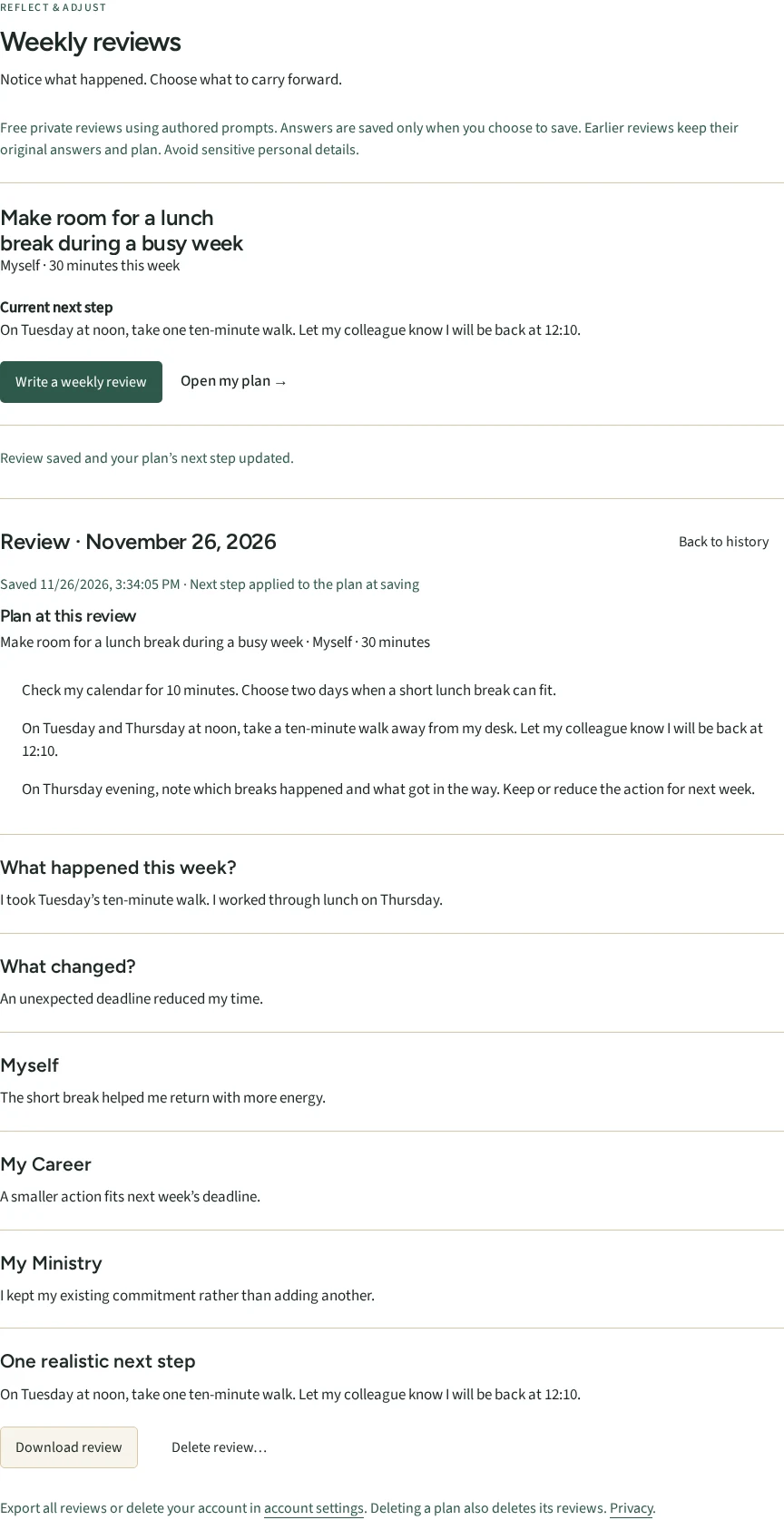
Keep control of what you keep.
The no-account sample stays in the open page and is not sent to us. Download it before leaving. If you choose to carry a draft into an account, this tab temporarily keeps it through registration or sign-in; it is stored in your account only when you save.
Saved plans and reviews belong to your signed-in account, not a public profile. This tour does not make anyone’s account shareable. Export your account data or permanently delete your account, plan and reviews in settings.
Read how we handle your data →Start with the time you have.
Try the lunch-break outline, change the goal or steps, and download it free. To keep it for next week, choose “Carry my draft to a free account” inside the sample.
Need a hand? 365-my-life@brainer.one